
- Your cart is empty
- Continue Shopping
How to Calibrate a Digital Scale for Accurate Weighing
- Posted on
-
Posted by: Blaze Jax
- 0 comments
- Categories: Weighing Scales
Quick Answer
Place the scale on a flat, stable surface, zero it out, then enter calibration mode (usually by holding the power/mode button) and place a known reference weight on it until it confirms. Most pocket scales need this every few months or after being dropped.
Digital scales drift out of accuracy over time — it’s a normal part of how the internal load sensor works, not a sign of a defective unit. A scale that’s off by even half a gram matters a lot at small quantities, which is exactly when most people are using one. Calibrating it takes under two minutes and should be a routine habit, not a last resort.
Signs Your Scale Needs Calibrating
- Readings drift or change slightly when you place the same item on repeatedly
- The scale doesn’t return to exactly 0.00 after removing weight
- It’s been dropped, moved between locations a lot, or hasn’t been calibrated in several months
- A known-weight item (like a coin) reads noticeably off from its printed weight
Step-by-Step Calibration
1. Set It on a Flat, Stable Surface
Uneven surfaces are one of the most common causes of inaccurate readings — a scale on a soft or tilted surface will never calibrate correctly no matter what you do next.
2. Turn It On and Let It Zero
Power on the scale on an empty, flat surface and wait for it to settle at 0.00. Don’t skip this — calibrating from a non-zero baseline throws off the whole process.
3. Enter Calibration Mode
This varies slightly by model, but most pocket scales use one of these:
- Hold the Mode or Cal button for 3–5 seconds until the display shows “CAL” or a flashing number
- Some scales require you to power on while holding a button combination
Check your scale’s manual for the exact sequence if it’s not obvious from the display.
4. Place the Calibration Weight
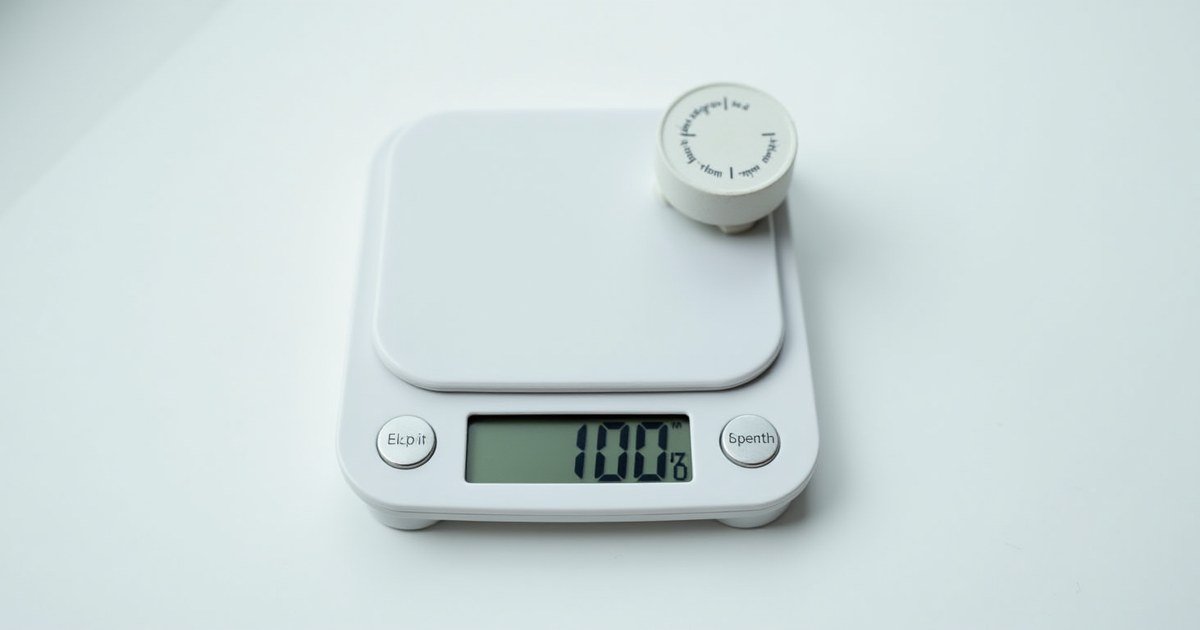
Once in calibration mode, the display usually shows a required weight value (commonly 100g, 200g, or 500g depending on the scale’s capacity). Place a weight of exactly that value on the platform.
If you don’t have an official calibration weight, commonly-used substitutes include:
- A US nickel (5.000g) — reasonably accurate but not lab-grade
- Pre-2015 US pennies vary; avoid using coins as your only reference if precision really matters
For anything beyond casual use, a proper calibration weight set is worth the small cost.
5. Confirm and Verify
The scale will typically beep or display “PASS” once calibrated. Remove the weight, confirm it returns to 0.00, then re-test with the same weight to confirm the reading now matches.
Maintenance Tips to Reduce Recalibration Frequency
| Habit | Why It Helps |
|---|---|
| Keep it on a flat, hard surface | Prevents false readings from uneven support |
| Avoid extreme temperature swings | Sensor accuracy can drift with heat/cold exposure |
| Store with the tray clean and dry | Debris under the tray affects the zero point |
| Replace batteries when low | Low power can cause erratic or drifting readings |
Related Articles
Frequently Asked Questions
How often should I calibrate my digital scale?
Every few months with regular use, or immediately after it’s dropped, moved, or starts giving inconsistent readings.
Can I use any coin as a calibration weight?
A US nickel (5.000g) is a commonly used approximation, but a dedicated calibration weight is more reliable if accuracy really matters.
My scale won’t enter calibration mode — what’s wrong?
The button sequence varies by model. Check the scale’s manual; some require holding a button while powering on rather than after.
Why does my scale show a different reading every time I weigh the same item?
This usually means it needs calibrating, is on an uneven surface, or the battery is low.
Final Thoughts
Calibrating a digital scale is a two-minute habit that prevents a much bigger problem: not realizing your readings have been wrong for weeks. Do it every few months, always on a flat surface, and keep a reference weight on hand for quick checks.
Shop Weighing Scales at The Smokery Hub
Accurate digital scales in stock now.
Prices listed are approximate and may vary by retailer. Always check current pricing before purchasing.
digital scale calibration weight, how to calibrate a digital scale, pocket scale accuracy tips, why is my scale reading wrong